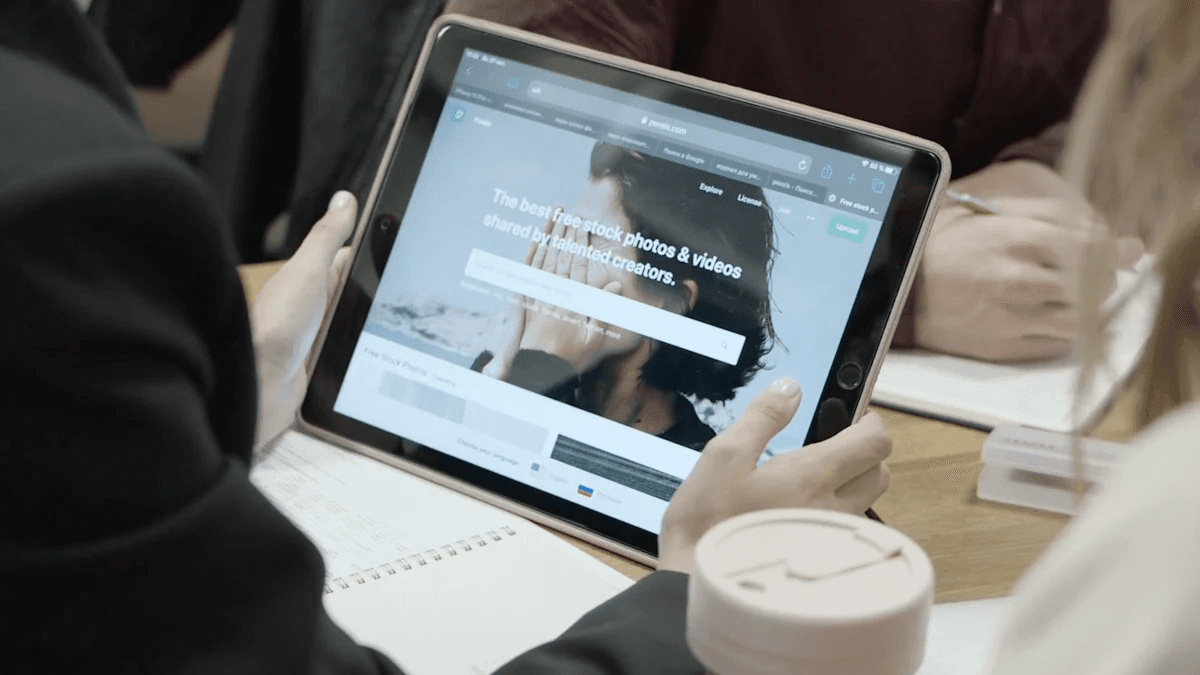

Turn Your Tablet into a Workstation
In an increasingly digital world, where mobility and flexibility are essential, finding innovative ways to maximize the devices we already own is vital. Tablets, often underutilized, can become powerful workstations capable of meeting modern productivity needs. This article explores how to convert your Android tablet into an efficient work tool, saving costs and promoting technological sustainability.
Why Transform Your Tablet?
With the advancement of technology, many users have devices they do not fully leverage. Tablets, in particular, are ideal for this transformation due to their portability and versatility. By turning your tablet into a workstation, you not only optimize the use of a device that might be gathering dust, but you also contribute to a more sustainable approach to technology use.
Benefits of Reusing Tablets
- Cost Savings: Instead of investing in a new laptop, you can reuse a device you already own.
- Sustainability: You help reduce electronic waste, a growing problem in the modern world. According to Gartner, technological sustainability is a trend that more and more companies are adopting.
- Flexibility: Tablets are lightweight and easy to carry, making them an ideal choice for working from anywhere.
- Functionality: With the right applications, a tablet can perform many of the same functions as a laptop.
How to Convert Your Tablet into a Workstation
1. Choose the Right Operating System
Make sure your tablet is updated with the latest version of its operating system. For Android devices, this means installing the most recent version of Android, which will not only improve security but also optimize performance. For this, you can check TechCrunch for the latest software update tips.
2. Connect a Keyboard and Mouse
One of the most significant changes you can make to improve your tablet work experience is connecting a keyboard and a mouse. This will allow you to type and navigate more efficiently. There are compact and easy-to-carry Bluetooth keyboard options available. Additionally, some keyboards come with an integrated touchpad, eliminating the need for an external mouse.
3. Use Productivity Applications
To transform your tablet into an effective workstation, you should consider using several productivity apps. Some of the most recommended include:
- Google Workspace: For documents, spreadsheets, and presentations.
- Trello: Ideal for project and task management.
- Slack: For team communication.
- Evernote: Perfect for taking notes and organizing ideas.
These applications are designed to work well on tablets and will allow you to perform your work more efficiently.
4. Set Up an Ergonomic Work Environment
When working with a tablet, it is important to consider ergonomics. Make sure your tablet is at eye level to prevent neck strain. You can use an adjustable stand that allows you to raise the screen to an appropriate height. Additionally, set up a comfortable workspace that is free from distractions.
5. Storage and Backups
Storage management is crucial when using a tablet as a workstation. Make sure you have enough space for the apps and files you need. Consider using cloud storage solutions like Google Drive or Dropbox, which are accessible from mobile devices and offer security and backups for your data. For more information on how to manage your files in the cloud, you can read McKinsey.
Advanced Tips to Maximize Your Tablet
1. Multitasking and Split Screens
Many modern tablets support split-screen usage, allowing you to work on multiple applications simultaneously. This is especially useful when you need to research information while writing a document. Check out Bloomberg's guide on how to improve productivity using multitasking features.
2. Customize Your Tablet
Do not underestimate the power of customization. Organize your apps into folders to make it easier to access the tools you use most. You can also choose a wallpaper that inspires you and keeps your motivation high.
3. Use a Time Management System
Time management is fundamental to productivity. Consider using applications like Pomodoro Timer, which will help you work in intervals and stay focused. This is especially useful when working on longer projects, as it allows you to take regular breaks.
4. Connectivity and Networking
Ensure your tablet is connected to a reliable Wi-Fi network. Connectivity is essential for most productivity apps and for accessing files in the cloud. If you work on the go, consider a mobile data plan that allows you to stay connected wherever you are.
5. Information Security
Security is a major concern when using mobile devices for work. Make sure you have strong passwords set up and consider using two-factor authentication on your accounts. This is especially relevant if you handle sensitive information. For more mobile security tips, consult Wired.
Conclusion
Transforming your tablet into a workstation is not only a smart investment, but it is also a way to contribute to a more sustainable future. By reusing devices you already have, you save money and reduce your ecological footprint. With the right tools and configurations, your tablet can be a powerful ally in the modern world of work.
For more ideas on how to improve your productivity and make the most of technology, visit our premium software factory or explore our specialized development services. Also, don't miss our Guide for a Successful Digital Transformation and the article on The Future of SEO to stay informed about adapting to a constantly changing digital environment.
By incorporating these tips and strategies, you will be able to turn your tablet into an efficient and functional workstation, ready to face the challenges of a dynamic work environment.
More articles

Navigating the Chip War: The Impact on Your Business
Find out how the chip shortage is affecting your business and how to adapt to changes in software and hardware development.

Navigating the New Era of Web Browsers
Discover the latest trends in web browsers and how Mokev adapts to offer competitive and scalable solutions.